Type "average typing speed" into a search engine and you'll get numbers from 30 to 80 WPM, usually with no explanation of who was measured or how. Here's the honest picture — what the averages actually are, how the number is computed, and what genuinely moves it (spoiler: it isn't typing faster; it's missing less).
The averages, honestly
| Group | Typical WPM |
|---|---|
| Hunt-and-peck (looking at the keyboard) | 20–30 |
| Average computer user | ≈ 40 |
| Office professionals | 50–60 |
| Trained touch typists | 70–90 |
| Professional transcriptionists | 90–120 |
| Competitive typists | 150–200+ |
| Phone keyboard (two thumbs) | 35–40 |
Context for job requirements: most office roles are perfectly served by 50–60 WPM; data-entry listings commonly ask 60–80; transcription 80+; live chat support around 55+ with high accuracy. If you're at 40 now, the jump to 60 is very achievable — that's the gap the practice plan below closes.
How WPM is actually measured
A "word" in typing tests isn't a dictionary word — it's standardised to 5 characters, including spaces. So:
- Gross WPM = (all characters typed ÷ 5) ÷ minutes.
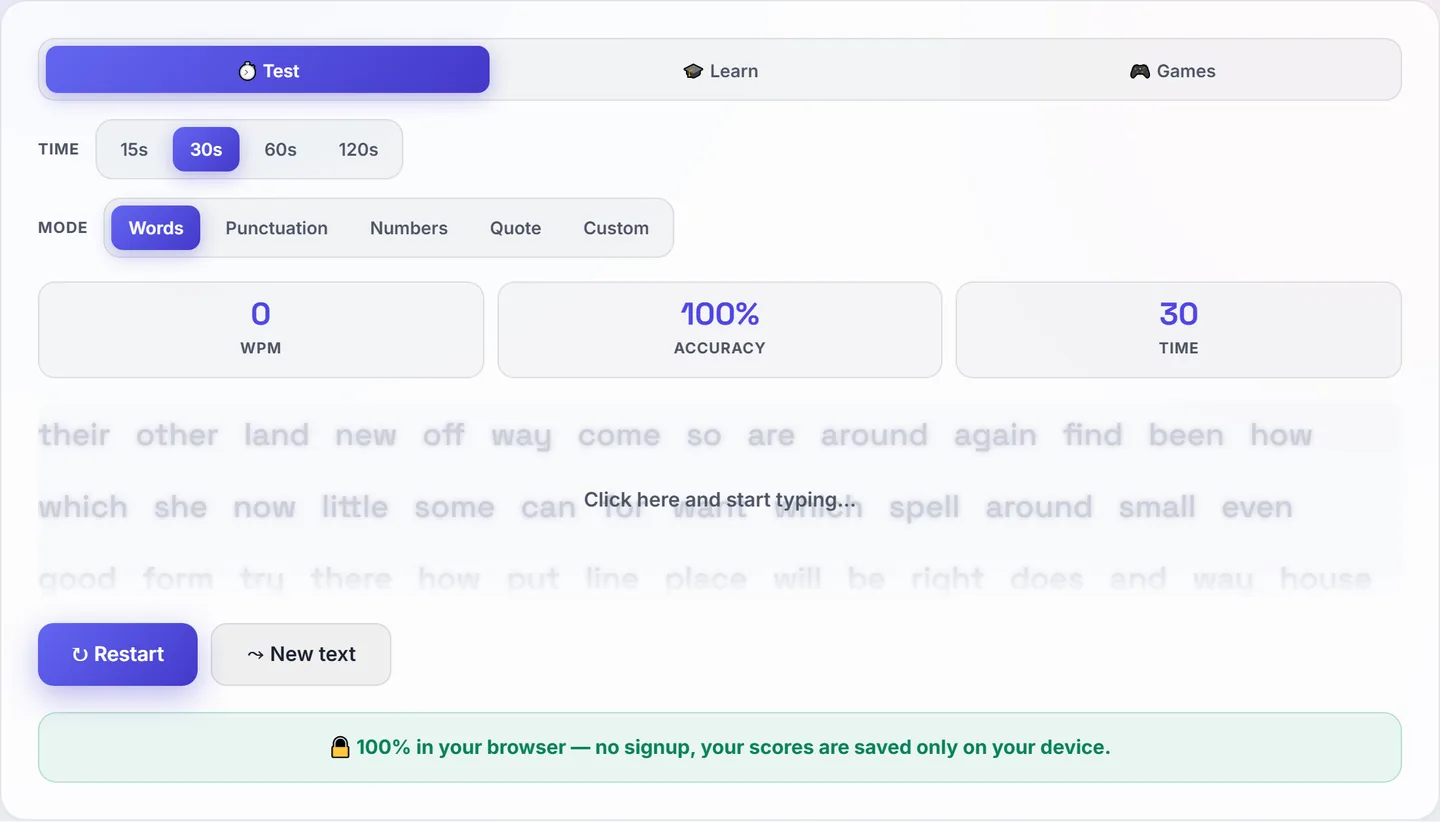
- Net WPM = gross minus uncorrected errors — the number that matters, and what our Typing Speed Test reports.
- Accuracy = correct keystrokes ÷ total keystrokes. Watch this one more than the speed.
What touch typing changes
The single biggest speed unlock is not moving your hands: eight fingers resting on the home row (ASDF · JKL;), every key owned by one finger, eyes on the screen instead of the keyboard. The raised bumps on F and J exist so your index fingers can find home without looking. Hunt-and-peck caps out around 30–40 WPM because your eyes keep round-tripping between keyboard and screen; touch typing removes that loop entirely, which is why trained typists double the average.
The 4-week plan (15–20 minutes a day)
- Week 1 — home row only. Slow, deliberate, zero looking. Speed will drop below your current hunt-and-peck rate. That's normal and temporary — you're replacing a habit, not tuning it.
- Week 2 — top and bottom rows. Keep accuracy above 97%; ignore the WPM counter completely this week.
- Week 3 — numbers, punctuation, capitals. Start one timed test per day to baseline your progress. Most people are back at their old speed by now — but hands-down, eyes-up.
- Week 4 — consistency training. Daily tests, focus on your worst keys (a good test shows per-key stats). Expect 45–55 WPM at 97%+ accuracy by the end of the month, and steady gains for months after.
Plateaus, and how to break them
- Stuck at the same WPM for weeks? You're practising your comfort zone. Drill your five slowest keys specifically, and type material with unfamiliar vocabulary — new letter patterns force new finger habits.
- Fast in tests, slow in real work? Tests use clean prose; real work has emails, names and numbers. Practise with punctuation-heavy and number-heavy modes.
- Accuracy collapsing at higher speeds? Deliberately type at 90% of your max for a week. Precision at slightly-below-max consolidates into speed at max.
- Wrists aching? Keyboard flat or slightly negative tilt, wrists floating rather than planted, elbows at ~90°. Pain is a form-error signal, not a training milestone.