Every password rule you've been nagged with — "one capital, one number, one symbol" — comes from a 2003 guideline that its own author later called a mistake. The modern consensus, including current NIST guidance, is simpler and easier to live with: length is what matters. This guide shows the arithmetic, so the advice isn't something you take on faith.
How password cracking actually works
Attackers almost never "guess" passwords on a login page — sites lock them out after a few tries. The real risk is offline cracking: a breached database of scrambled (hashed) passwords, tested by machines that can try billions of combinations per second. There are two attack styles:
- Dictionary attacks — try known passwords first: leaked password lists, common words, names, dates, keyboard walks like qwerty123, plus mutations (P@ssw0rd! is in the list too — the substitutions are automated).
- Brute force — try every combination. This is where the math decides everything.
The math: why length wins
A password's strength is its search space: (alphabet size)length. Adding symbols grows the alphabet (the base). Adding characters grows the exponent — and exponents always win. Assuming a strong attacker testing 100 billion guesses per second against properly random passwords:
| Password | Search space | Time to exhaust |
|---|---|---|
| 8 chars, lowercase only | 268 ≈ 2×10¹¹ | ≈ 2 seconds |
| 8 chars, all types (95 symbols) | 958 ≈ 6.6×10¹⁵ | ≈ 18 hours |
| 12 chars, lowercase only | 2612 ≈ 9.5×10¹⁶ | ≈ 11 days |
| 12 chars, all types | 9512 ≈ 5.4×10²³ | ≈ 171,000 years |
| 16 chars, lowercase only | 2616 ≈ 4.4×10²² | ≈ 13,800 years |
| 16 chars, all types | 9516 ≈ 4.4×1031 | ≈ 14 trillion years |
Read the third row against the second: a 12-character password of nothing but lowercase letters already beats an 8-character password using every character type on the keyboard. That's the whole argument. Symbols help — but four extra characters help more than all the symbols combined.
What attackers try first (never use these)
- Anything on a leaked-password list — 123456, password, qwerty and millions more are tried in the first second.
- Words with "clever" substitutions — P@ssw0rd, L3tM3In!. Cracking tools apply every substitution automatically.
- Personal facts — names, birthdays, pet names, phone numbers. Attackers feed social media profiles into wordlists.
- Keyboard patterns — qwertyuiop, 1qaz2wsx, asdfgh.
- One password across sites — a breach at any one site unlocks all of them. This, not weak passwords, is how most accounts actually fall.
Two systems that actually work
1. Random passwords + a password manager
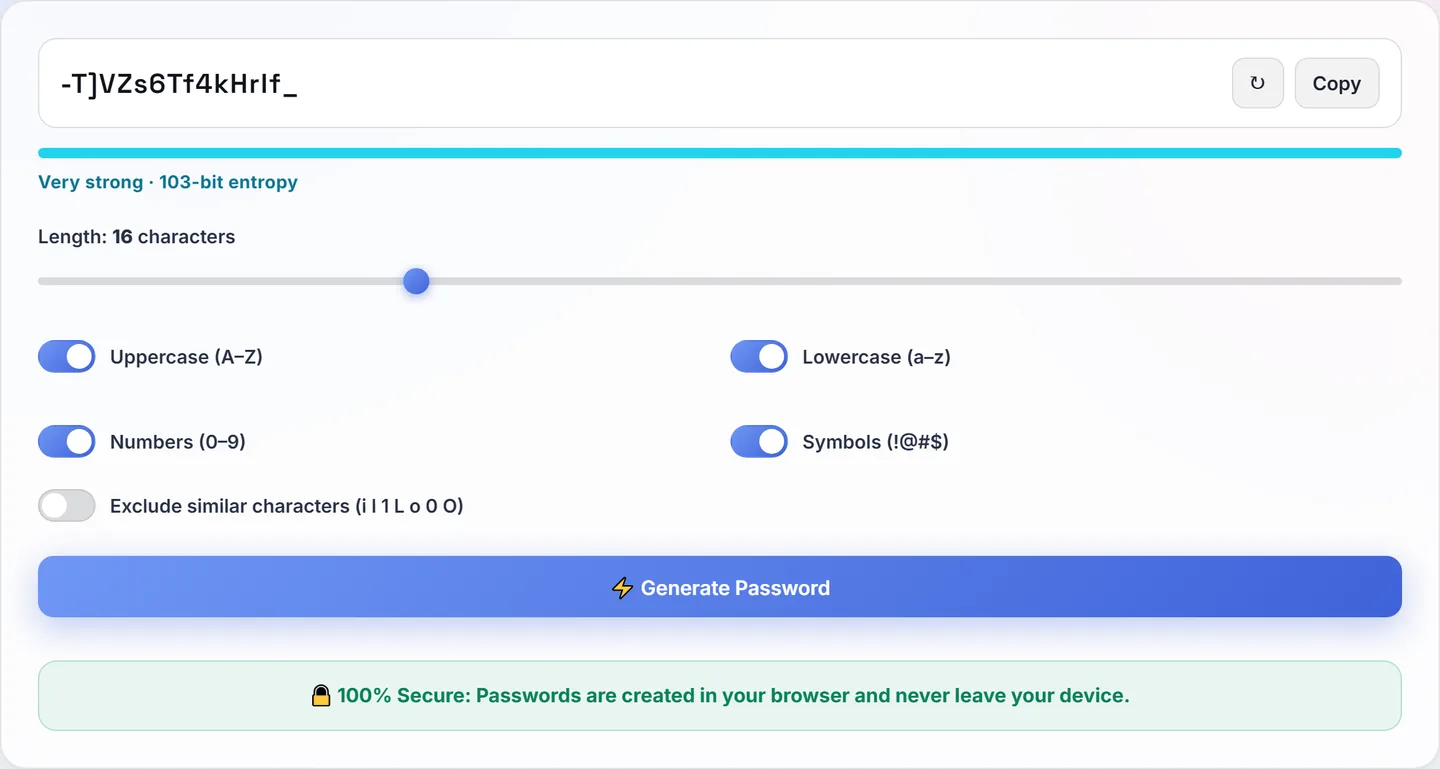
Let a manager remember 16–20 character random passwords, one per site. You memorise exactly one strong master passphrase. This is the strongest practical setup and what we use ourselves.
2. Passphrases for the ones you must type
For the master password, Wi-Fi, or a laptop login, chain 4–5 genuinely random words: lantern-cactus-orbit-plum. From a 7,000-word list, four random words ≈ 70004 ≈ 2.4×10¹⁵ — comparable to a strong random password, but typeable on a phone without rage. The words must come from a random picker, not from a sentence you'd naturally say.
Beyond the password itself
- Turn on two-factor authentication for email and banking first. Email is the skeleton key — password resets for everything else flow through it.
- Change passwords on breach, not on a calendar. Forced 90-day rotation produces Summer2026! → Autumn2026!. Modern guidance: change when there's a reason.
- Check exposure. If a site you used announces a breach, change that password and anywhere it was reused — that day.
- Never type a password from a link in a message. Go to the site directly. Phishing beats a 30-character password every time.