You AirDrop a photo from an iPhone to a friend, they open it on a Windows laptop, and… nothing. Or a visa portal rejects your photo upload with "invalid file type". The culprit is almost always the same three letters: .heic — the format iPhones have quietly used by default since 2017. Here's what it is, why Apple uses it, and every practical way around it.
What HEIC actually is
HEIC (High Efficiency Image Container) stores photos compressed with HEVC/H.265 — the same modern compression used for 4K video. It's genuinely better engineering than the 1992-era JPG: at the same visual quality, a HEIC file is roughly half the size, supports 16-bit colour, transparency, and even multiple images in one file (that's how iPhone Live Photos and burst shots are stored).
Apple switched the iPhone camera to HEIC in iOS 11 because it doubles how many photos fit on the phone. The engineering isn't the problem. The problem is everyone else.
Where HEIC breaks
HEVC decoding is covered by patent licensing, so support outside Apple's ecosystem stayed patchy for years:
| Destination | Opens HEIC? |
|---|---|
| iPhone, iPad, Mac | ✔ Native |
| Windows 10 | ✖ Usually needs a codec add-on from the Store |
| Windows 11 | Partial — photos yes, many apps still no |
| Older Android (pre-9) and many budget phones | ✖ |
| Websites & upload forms (visa portals, job sites, CMSs) | ✖ Very commonly rejected |
| Office documents, older printers, photo kiosks | ✖ Hit and miss |
JPG, by contrast, opens on effectively every device made in the last 25 years. That universality is why "convert HEIC to JPG" remains one of the most-searched photo problems on the internet.
Fix 1 — convert the files you already have
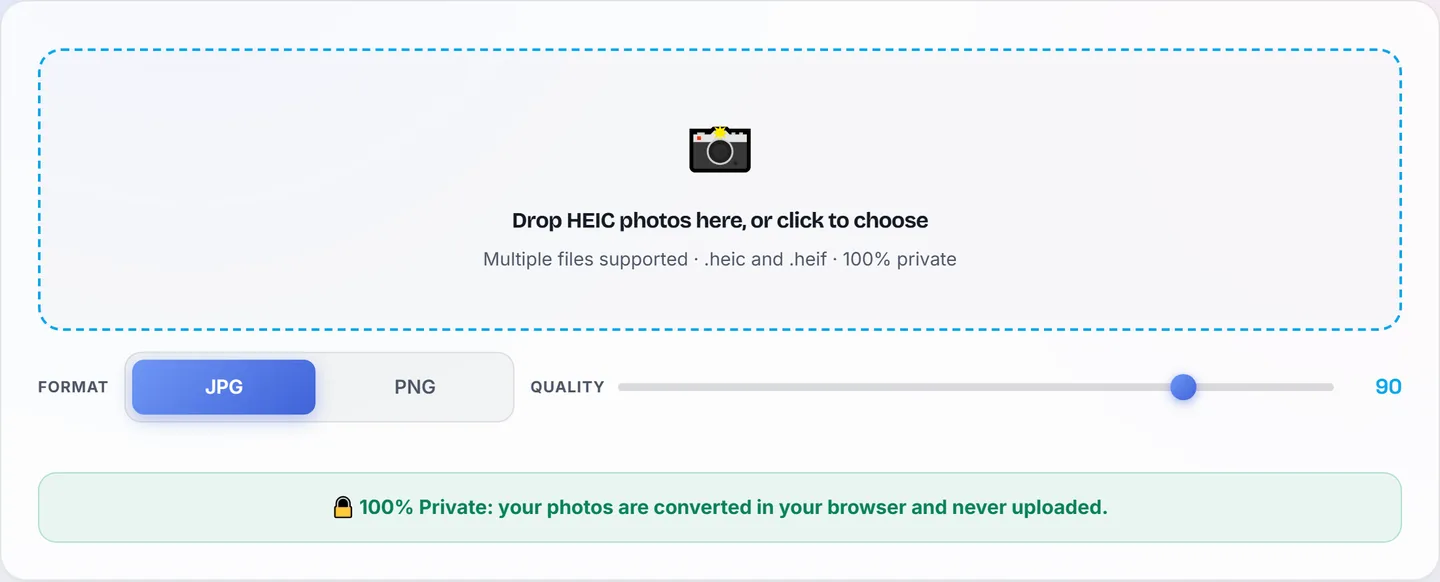
- Open the HEIC to JPG tool and drop your file(s) in.
- Pick JPG (universal) or PNG (if you need lossless/transparency).
- Download — done. The conversion runs entirely in your browser, which matters for private photos: many "free HEIC converter" sites upload your images to their servers.
Need the result under a size limit for a form? Chain it through Compress to Size after converting.
Fix 2 — stop the iPhone shooting HEIC at all
If your photos constantly travel to Windows machines or web forms, change the capture format once:
- Settings → Camera → Formats → Most Compatible — new photos are captured as JPG from now on.
- The trade-off: photos take about twice the storage. If space is tight, keep High Efficiency and convert only when needed (Fix 1).
HEIC vs JPG at a glance
| HEIC | JPG | |
|---|---|---|
| File size (same quality) | ≈ 50% smaller | Baseline |
| Compatibility | Apple + modern devices | Everything |
| Colour depth | Up to 16-bit | 8-bit |
| Transparency | Yes | No |
| Upload forms accept it | Rarely | Always |
Our practical verdict after handling both daily: HEIC on the phone, JPG for anything that leaves it. Keep the storage savings where they help, convert at the border where compatibility rules.